
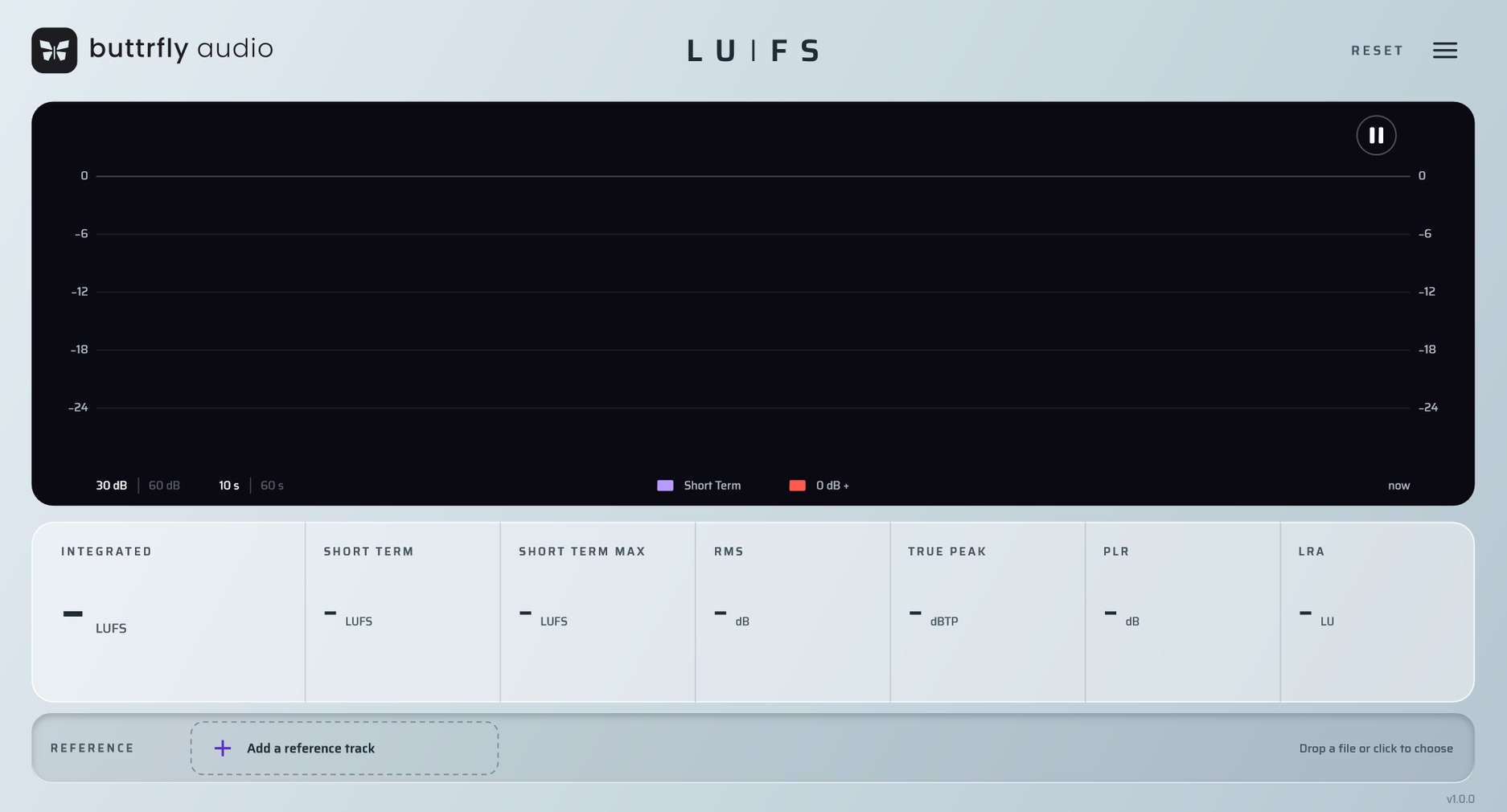
Most meters give you one number, or one reference at best. Buttrfly LUFS measures your mix to the standard and compares it with up to four reference tracks, on the exact fragment you choose. Your drop against their drop.
Four references.
One screen.
Drag up to four tracks into the plugin. Under every number of your mix you see the same number for the reference.
Compare the part
that matters.
Select a drop, a verse or any fragment of 10 seconds or more. The reference numbers are recalculated for that part only, not the whole track.
Switch in
one click.
Click a reference and every number shows that track. Run through several examples in seconds.
Honest
numbers.
Calculated to ITU-R BS.1770 and EBU R128, and checked against EBU test signals.
Zero latency
It adds no delay to your session.
Passes through unchanged
It only measures. Your sound stays untouched.
Very low CPU
It stays easy on your computer.
Validated with pluginval
At its strictest level, with no errors.
Tech specs
- FormatVST3
- SystemWindows 10 or later, 64-bit · macOS later
- HostsAny DAW that supports VST3
Questions
How do I install it?
Unzip the download and run the installer inside. Choose your VST3 folder, then rescan plugins in your DAW.
My browser blocked the download.
New apps from small developers are sometimes blocked until they become widely known. In Chrome, open the download list, click the arrow next to the file and choose Keep. The file is a zip: unzip it and run the installer inside.
Windows says "Windows protected your PC". Is it safe?
Windows shows this for new apps from small developers that aren't widely known yet. Click More info, then Run anyway. Only download our installers from buttrflyaudio.com.
Does it change my sound?
No. It only measures. The audio passes through untouched.
Does it connect to the internet?
Only to check for updates, once a day. It asks this site for the latest version number and sends nothing about you. If a new version is out, the plugin shows "Update available".
How do I update?
Download the new version from this page and install it over the old one.
The plugin window looks blurry in Ableton Live.
Right-click the plugin in Ableton's browser, turn off Auto-Scale Plug-In Window, and add the plugin again.
Is there a Mac version?
Not yet. Buttrfly LUFS 1.0.0 is a VST3 plugin for Windows. A macOS build is planned.
What's new
First release.
Get Buttrfly LUFS.
Free. Enter your email to download.
Your download is starting. If it doesn't, click here.
Version 1.0.0 · Windows 10 or later · macOS coming later
We may email you about updates. See the Privacy Policy.